IPTV apps and setup, by device
Setup guides for IPTV on Firestick, Android, smart TVs and Roku – which player to use, what each login field means, and how to fix a list that will not load.
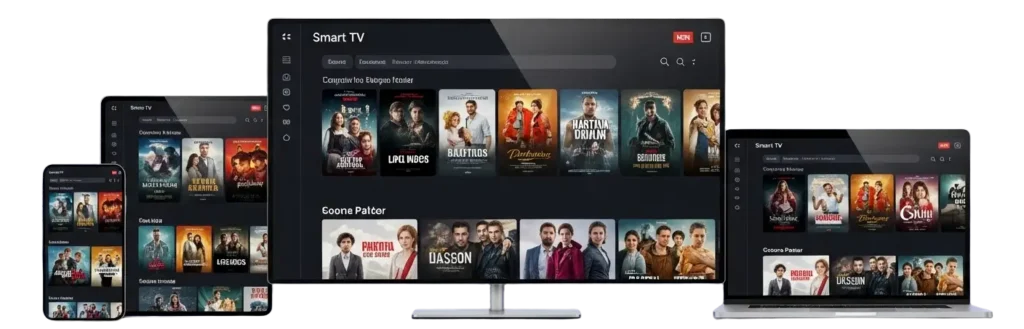
How setup works, whatever the device
Every device follows the same three steps: install a player, enter your line, and let the list load. The player is just software – it holds no channels. Your line is either an Xtream Codes login (server URL, username, password) or a single M3U link. Xtream Codes is the better option wherever you have the choice, because it is what brings the EPG, catch-up and the on-demand sections with it.
Guides by device and player
Pick the one that matches what you own.
The three things that go wrong
An empty list after a successful login usually means the line has expired or is already streaming somewhere else. An “invalid credentials” message with correct details is normally a typo in the port, or a space copied in from a message. And buffering is almost always the network rather than the service – test the same channel on a phone over mobile data, and if it plays cleanly there, the problem is your Wi-Fi.
Frequently asked questions
Which IPTV player should I use?
Any player that supports Xtream Codes. The device you own usually decides it – Smarters and TiVimate on Fire TV and Android, the store players on Samsung and LG.
Do I need to install anything on a smart TV?
Usually just a player from the TV manufacturer store. The line then goes into the player exactly as it would on any other device.
What if the channels load but there is no guide?
You are almost certainly logged in with an M3U link rather than Xtream Codes. Ask for the Xtream credentials and the guide comes with them.
Get a line to set up
Credentials arrive ready to paste into whichever player you use.